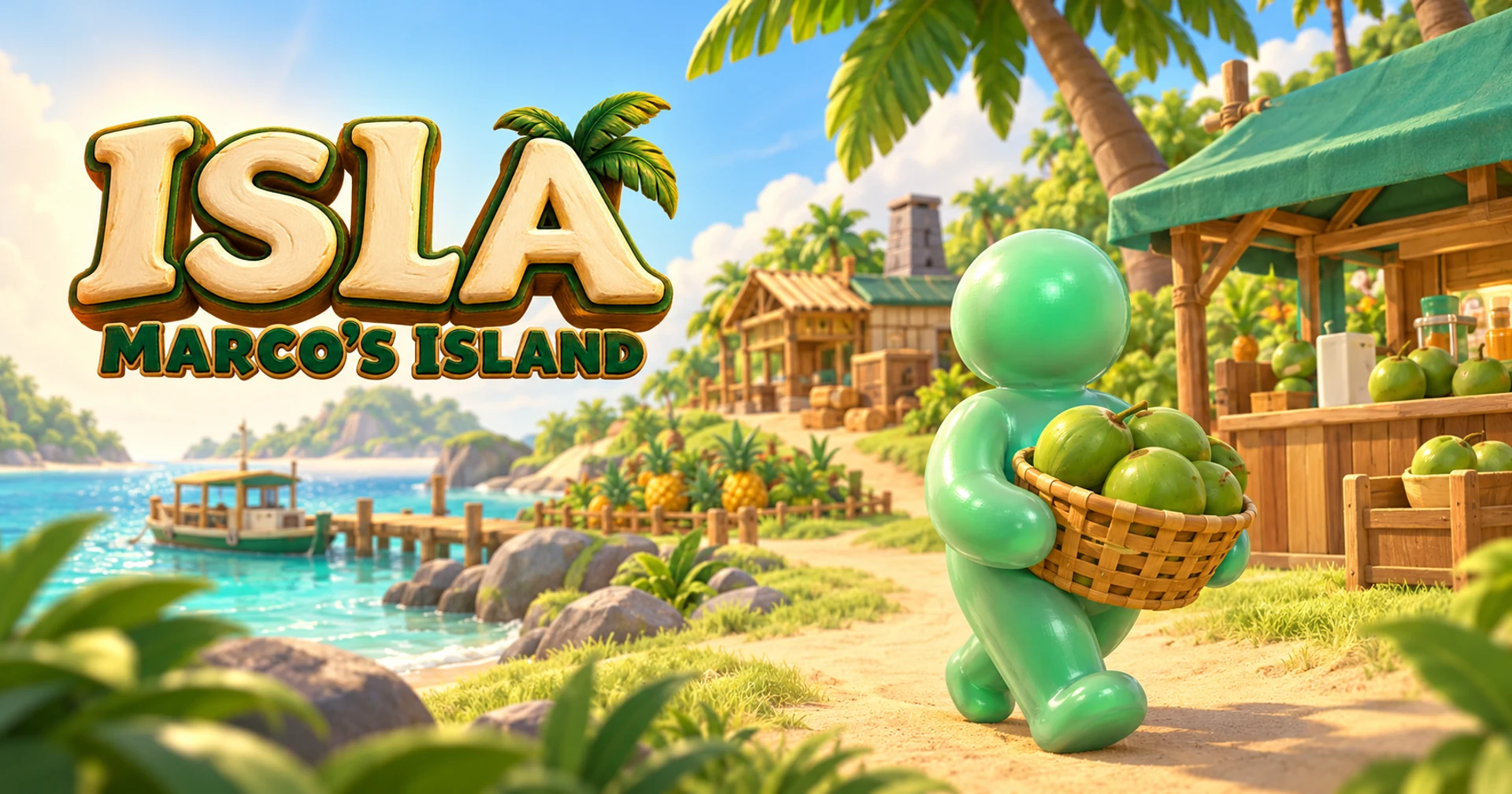
Isla: Marco’s Island is a free island business game for ages 13 and older, made by Mark Jayson Nation LLC under Macro by Mark.
 Getting started
- Walk around. Drag anywhere on the screen to move Marco. Tap a place to see the way there.
- Pick and make. Gather fruit from the trees, then make juice and snacks at your stands.
- Sell and grow. Visitors buy what you make. Spend your coins on new stands, helpers and new parts of the island.
- Step on the pads. The round pads beside each stand let you build, make things and collect your coins.
 Keep your island safe
Your island is saved on your device as you play. In the latest version, a copy also goes to your Isla account while you are signed in, and to iCloud on an iPhone or iPad, so a new phone can bring it back. A downloaded backup works everywhere, so keep one before you change phones or delete the app.
- Save a backup: open Pause → Saves and download a copy.
- Cloud island: on a new phone, open Pause → Saves. When a Cloud island shows, tap Get, check it beside your current island, then Restore. Send keeps this phone's island instead.
- Moving to a new phone: open Pause → Saves on the new phone, import your backup and check the summary before you confirm. Your previous island is kept too, just in case.
- Without a sign-in, islands on iPhone, Android and the web are separate. Signed in to the same Isla account, Saves can bring one to another.
- While you are away, stands with stock keep selling until their cash boxes are full.
 Gold & purchases
Isla is free to play, with no ads or subscriptions. If you like, you can buy Gold packs, the Island Starter or the Island Moped. Gold buys new looks, boosts and helpers.
- Restore your purchases: open Pause → Settings → Purchases → Restore, signed in to the same Apple ID or Google account you bought with.
- Restoring brings back what you bought, not your island. Use your backup to bring back an island.
- Purchases do not move between iPhone, Android and the web.
- Refunds: Apple and Google handle refunds for App Store and Google Play purchases. For a purchase made on the web, email us.
 Something not working?
- Restart the game. Close it fully and open it again.
- Keep your save. If you see a message about your save, keep it and use Download save if it is offered. Please do not delete the app or clear its data to fix a save problem.
- Send us a report. Open Your island → About and download a report. It only holds the game version and loading details, never your island or personal information. Email it to support@macrobymark.com and tell us what happened.
 Account & privacy
You never need an account to play. If you buy on the web, you can sign out any time and your island stays on your device.
- Delete a purchase account: use Delete account in Your purchases, or email us from your purchase email. The account locks right away and we finish within 30 days. Deleting it can remove the ability to restore purchases.
- Deleting the game from your device does not delete a purchase account, and deleting an account does not delete backups you downloaded.
- Privacy questions: email legal@macrobymark.com or read our privacy policy.

Need a hand?
Write to us at support@macrobymark.com. Tell us your phone or browser and what happened, and we will get back to you.
On the web you can also send feedback through our optional Google feedback form. Google processes what you write, and no save or private file is attached automatically, so please leave out anything personal. The form is not available inside the apps.